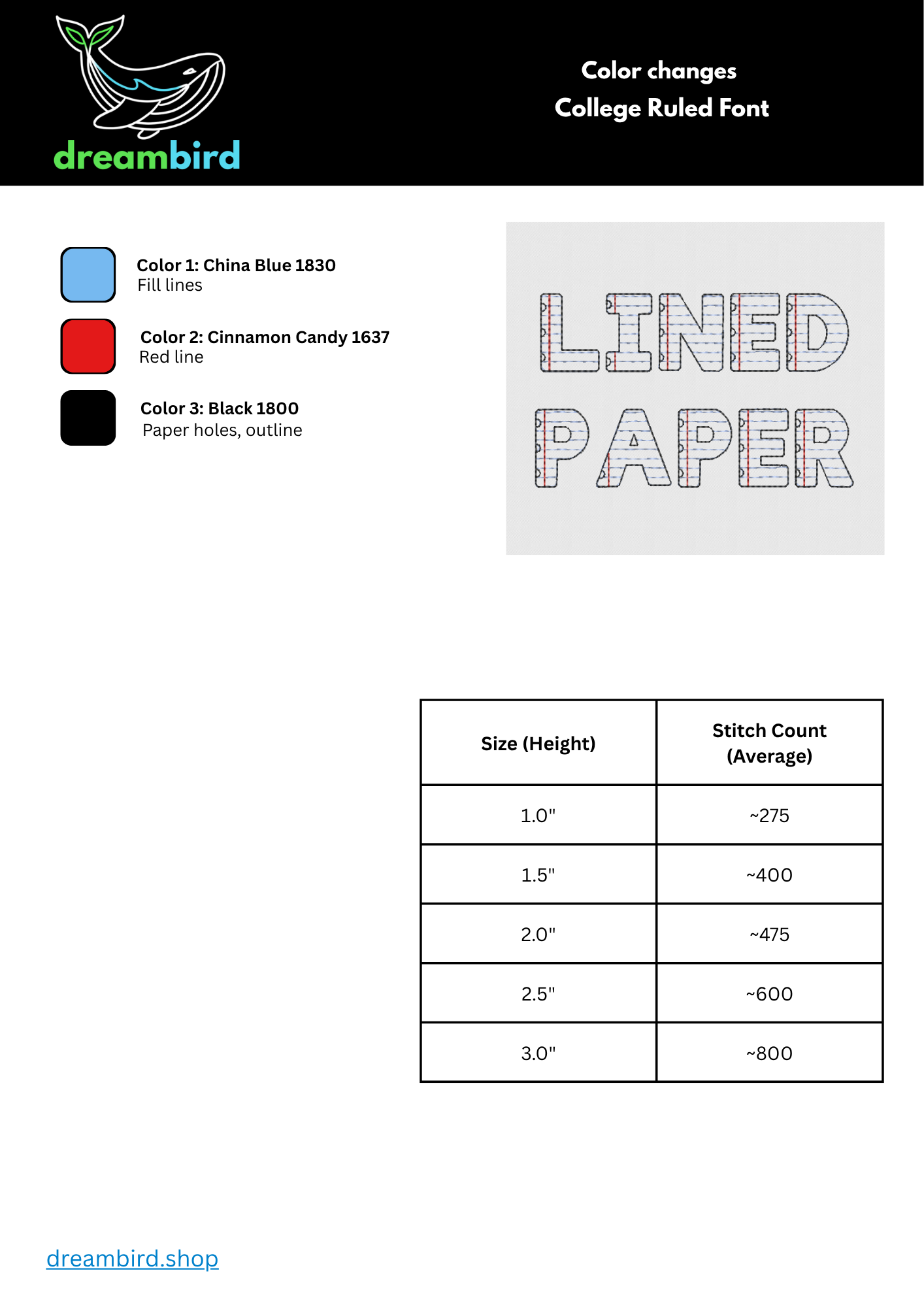
**26 uppercase letters A-Z in six sizes and 10 numbers, 0-9**
SIZES INCLUDED (by height) 1.0" 1.5" 2.0" 2.5" 3.0"
ACCESSING YOUR FILES You will receive a downloadable ZIP file titled "College Ruled Font - Machine Files." Unzip this file by right-clicking and selecting "extract all." Then, click on the unzipped folder and navigate to the size you'd like to use and choose the folder that matches your machine file!
ACCESSING KDC FILES FOR HATCH USERS You will receive a downloadable ZIP file labeled "College Ruled Font - KDC Files.zip." Unzip this file by right-clicking and selecting "extract all." You will find two KDC files. Select these files and copy them.
Make sure Hatch is not currently open. Next, navigate to: C:\ProgramData\Wilcom\Hatch Embroidery\Fonts Then paste the KDC files into the folder. Next time you open Hatch, your font will be available! Remember to choose lettering type "keyboard design collection" in Hatch to access the font.
KDC font labels and corresponding sizes: College Ruled Small (0.75" - 2.0") College Ruled Large (2.0" - 3.5")
Small and large have different spacing between the blue lines. However, either one will stitch in any size.